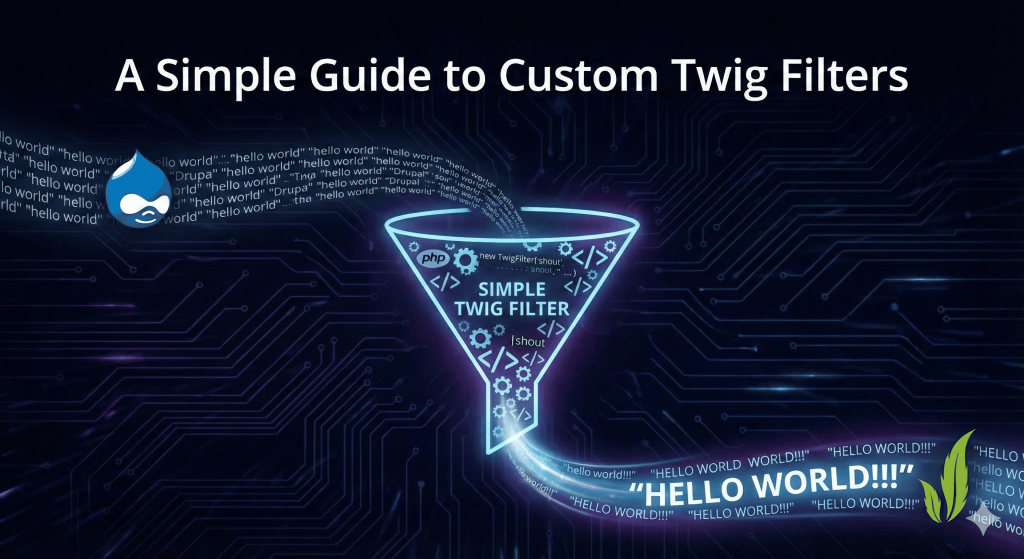



If you run a Drupal site with a contact form, you know the drill: every morning there's a fresh batch of "messages" from "John" pitching crypto or discount watches. The good news is two free, lightweight modules — Honeypot and Antibot — quietly kill most of this spam without ever showing a real visitor a CAPTCHA.
Why This Works: Bots Don't Behave Like Humans
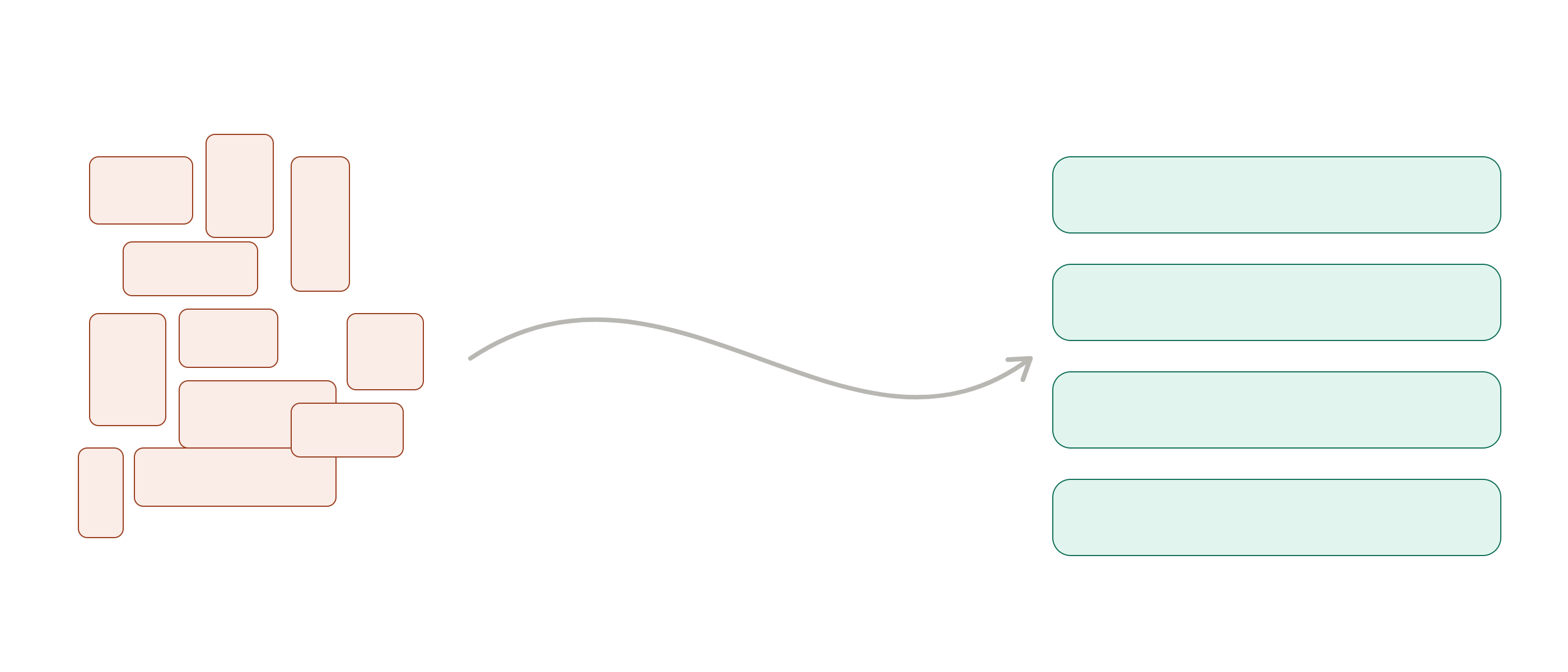
Most spam bots don't read your form — they scrape it, fill in every field they find, and submit as fast as possible. A human reads, thinks, and takes a few seconds to type. That behavioral gap is exactly what these two modules exploit.
Honeypot: The Invisible Trap
Honeypot adds a hidden field to your form — invisible to real visitors via CSS, but visible to bots scanning raw HTML. Bots love filling in every field they see, so they fill this one in too. If it has any value on submit, Drupal silently drops the submission.
It also stamps a timestamp on the form and rejects anything submitted "too fast" (default: 5 seconds) — since bots submit almost instantly, this catches the ones smart enough to skip the hidden field.
Real example: A small architecture firm's "Request a Quote" form went from 15–20 spam submissions a day to 1–2 a week after installing Honeypot with a 5-second threshold — with zero impact on real visitors.
Setup:
composer require drupal/honeypot
drush en honeypot -y
Configure at /admin/config/content/honeypot. Keep the time threshold around 3–5 seconds — too high and you risk flagging real users with autofill or password managers.
Antibot: Catching the Smarter Bots
Some bots run JavaScript and can detect hidden fields, slipping past Honeypot. Antibot closes that gap by obfuscating the form's submission URL until JavaScript actually runs in the browser. Real browsers run JS by default, so nothing changes for humans — but bots that just grab HTML and POST data directly hit a dead end.
Real example: A nonprofit's newsletter form was getting hammered by bots driven by headless browsers like Puppeteer and Selenium — tools sophisticated enough to get past a basic honeypot on their own. Layering in Antibot changed the economics: running a full JS-executing browser at scale isn't cheap for spam operators, and once that cost was added, bogus signups fell off sharply.
Setup:
composer require drupal/antibot
drush en antibot -y
Configure at /admin/config/content/antibot and select which forms to protect.
Use Them Together
Honeypot (hidden field)
- Bots that fill every field
Honeypot (time check)
- Bots that submit instantly
Antibot (JS requirement)
- Bots that skip JavaScript
Typical setup: install both, enable on your Webforms/contact forms, set Honeypot's threshold to ~5 seconds, test a real submission yourself, then check your spam logs after a week and tune as needed.
The Limits
These modules stop the bulk of automated spam (roughly 90–95% for most sites) but won't catch manual human spammers or highly targeted bots built specifically around Drupal's field names. For those, pair this setup with a moderation queue or reCAPTCHA shown only on suspicious submissions.
Why Skip CAPTCHA-First?
CAPTCHAs add friction for everyone, and studies consistently show that costs you real signups and hurts accessibility. Honeypot and Antibot add friction only for bots, staying invisible to humans — which is why they're close to a default for any new Drupal build. Install them on day one; it's a five-minute job now versus cleanup later.