Why Upgrade to Drupal 11 Now
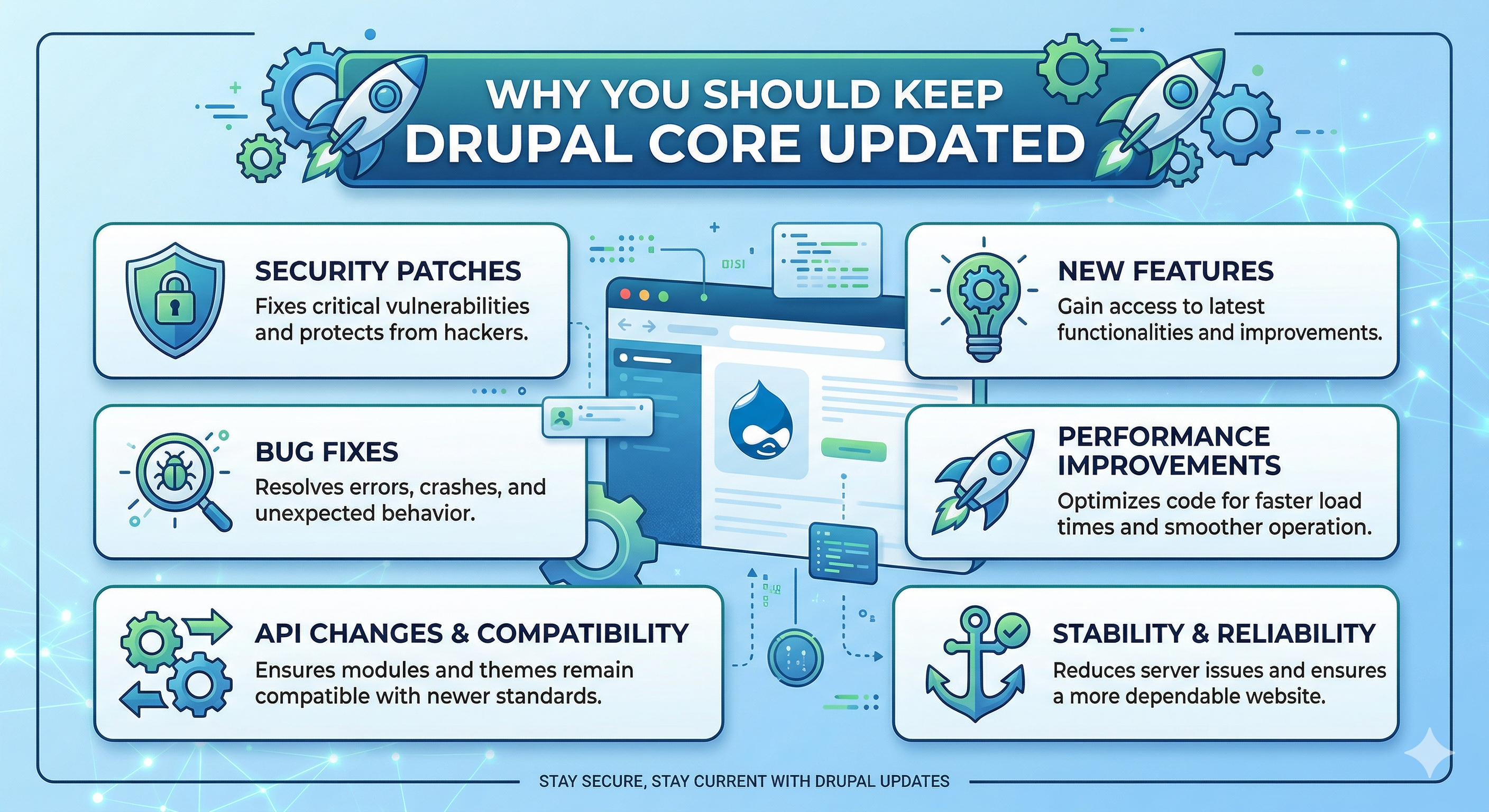
When a Drupal version reaches its end of life, the core security team stops releasing fixes for it. Any new security vulnerability found after that date stays unpatched on your site, leaving it exposed. Planning your upgrade early is the best way to keep your site safe and avoid last-minute emergency work.
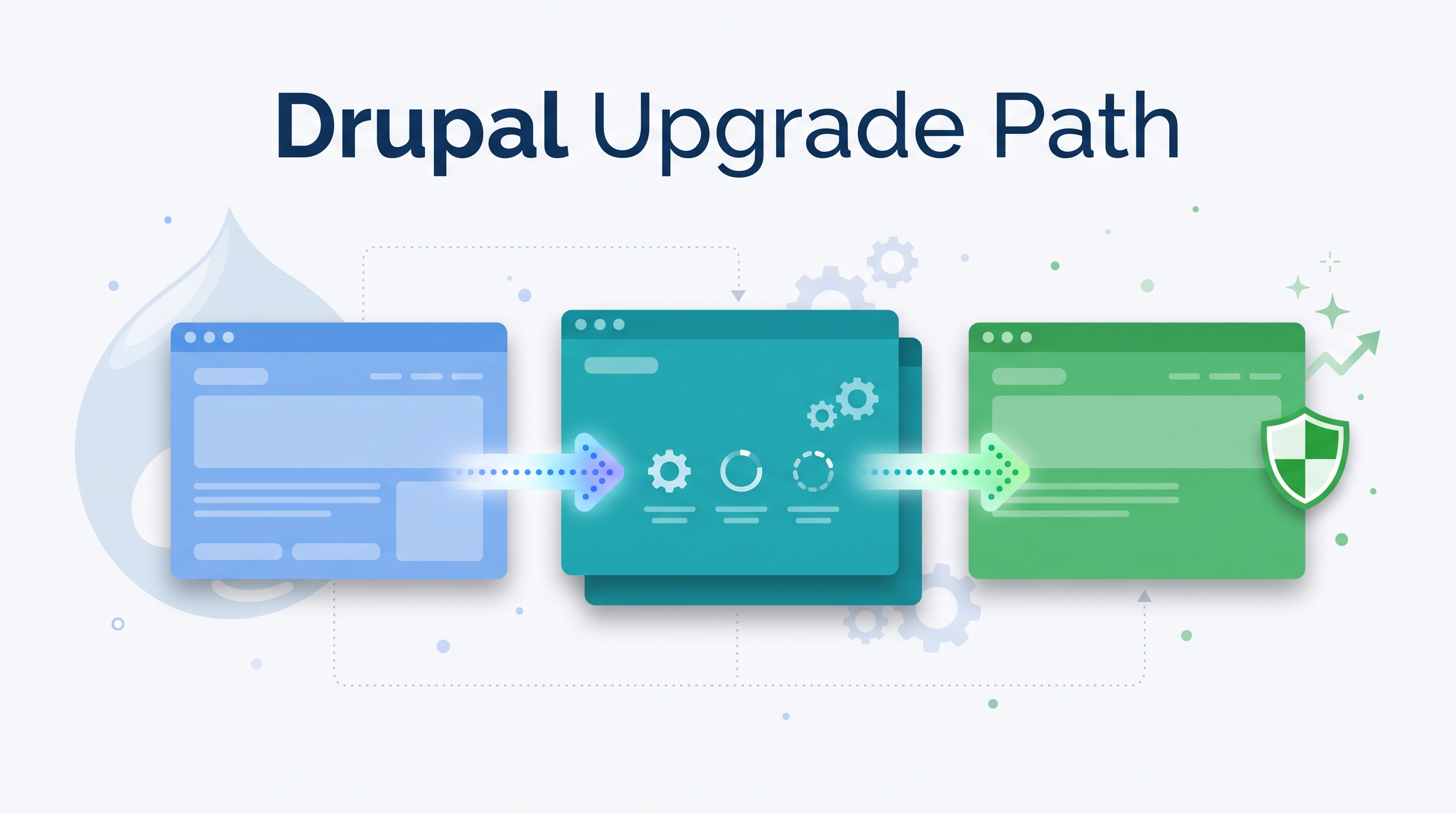
There are three main dates to track on your roadmap. Security support for Drupal 9 ended in November 2023. Official security support for Drupal 10 ends on December 9, 2026. Drupal 12 is scheduled to launch that same week, starting December 7, 2026.
Upgrading to Drupal 11 is also required if you want to move to Drupal 12 later. Drupal 12 removes older update scripts, so you can only upgrade to it if your site is running Drupal 11.3 or higher. Drupal 11.3 is the minimum, but Drupal 11.4 or later is recommended before moving to Drupal 12. A site on Drupal 10 cannot jump straight to Drupal 12. Moving to Drupal 11 now breaks the work into smaller steps, turning what could be a stressful double upgrade into routine site maintenance.
Drupal 11 also makes sites faster. On a cold cache, Drupal 11.4 needs only about a third of the database and cache lookups that Drupal 11.0 or Drupal 10.6 did.
What You Get on a Modern Drupal Site
Some of the most useful features in Drupal today are not new in Drupal 11. Single Directory Components, Recipes and Workspaces have all been stable since Drupal 10.3. If your site is on Drupal 9 or an older Drupal 10 release, these are what you get once you move to a supported version.
Single Directory Components (SDC): SDC changes how frontend themes are built by keeping every file for a UI component in a single folder. Instead of placing Twig templates, CSS, and JavaScript in different places across your theme, everything for a component lives together under a components directory.
/components/card/
├── card.twig
├── card.css
├── card.js
└── card.component.yml
Grouping component files this way makes code easier to find and review. It also helps new developers understand the theme layout faster, because they don't have to search through scattered folders to edit a single component.
Recipes and Drupal CMS 1.0: Recipes are small configuration packages that install modules and apply settings, such as granting permissions to a user role. Unlike traditional installation profiles, Recipes are applied once and don't stay behind as extra code on your site.
Recipes are also the foundation of Drupal CMS 1.0, which launched on January 15, 2025. It lets site builders add ready-made features like event calendars or SEO tools quickly, without starting from a blank installation.
Workspaces: The Workspaces module lets content teams prepare updates across multiple pages at the same time. Editors can draft, review, and stage large content changes together in a separate workspace, then publish everything to the live site in one step when it's ready.
Changes From Drupal 9 to Drupal 12
Looking at how the platform has changed across recent major releases helps explain why these upgrades matter.
From Drupal 9 to Drupal 11:
- SDC: Component files live in one folder instead of being spread across the theme (stable since Drupal 10.3).
- Recipes: Lightweight, reusable configuration packages replace heavy installation profiles (stable since Drupal 10.3).
- Less jQuery: Core depends less on jQuery and uses more vanilla JavaScript.
- Faster pages: On a cold cache, Drupal 11.4 needs only about a third of the database and cache lookups that Drupal 11.0 did.
- Newer baseline: Drupal 11 requires PHP 8.3 and runs on Symfony 7.
From Drupal 11 to Drupal 12:
- Stronger passwords: Argon2id becomes the default password hashing method, which makes brute force attacks on user accounts much harder.
- Lighter core: Several modules move out of core and into contrib.
- New admin theme: A new core admin theme based on Gin replaces Claro.
- Newer baseline: Drupal 12 requires PHP 8.5 and Symfony 8.
How We Approach Drupal Upgrades
We don't rewrite an entire site during a major version upgrade. We usually focus on what the client needs and test changes before they go to production.
1. Security first (DEV)
We start on the development environment by checking which core and module updates are needed for security. We apply those first so we have a stable base before touching anything else.
2. Update what the client uses (DEV)
Next, we update the modules the client relies on for their day-to-day work, and skip updates that don't affect their site. To update core, we update only the core packages and the dependencies they need, following the official Drupal upgrade guide. We do not run a full update of every package, because that can bring in changes that have nothing to do with the upgrade.
3. Test like the client (STG)
After upgrading the codebase, we deploy to staging. There, we go through the client's daily tasks and main editorial workflows to check that the features they rely on still work.
4. Handoff (PROD)
Once testing on staging is done, we deploy to production during a scheduled maintenance window and hand the site back to the client.
Every project is different. If you want to know what our current upgrade workflow covers and what would be in scope for your site, feel free to contact us.
Conclusion
WordPress and headless setups can work well for basic websites or simple blogs. But when a project needs detailed user permissions, complex editorial workflows, strong security, and a clear upgrade path for years to come, Drupal is better.
Upgrading to Drupal 11 keeps your platform on supported, patched software, which supports your data protection obligations.