

What Exactly is an Entity?
In the simplest terms, an Entity is a "thing" on your website.
Imagine you are building a website for a library. You have Books, Authors, and Members. In Drupal, each of these is a different type of entity. Instead of just having one big pile of "data," Drupal treats "Books" differently than "Members" because they have different purposes.
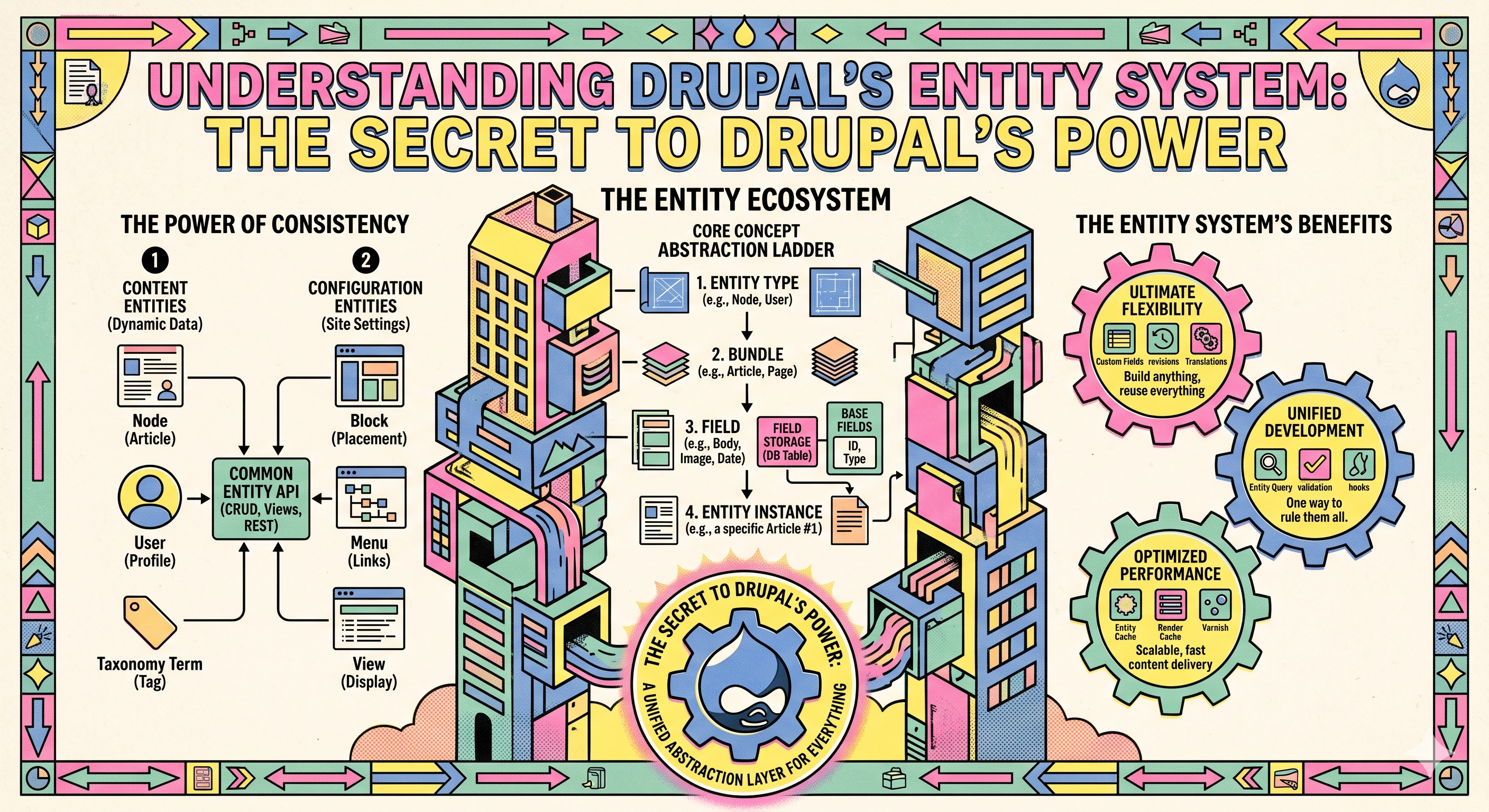
The Hierarchy of Information
To understand how these work, we use a simple hierarchy:
- Entity Type: This is the highest level—the broad category. Examples include Content (Nodes), Users, and Files.
- Bundle: This is a sub-type. Under the "Content" entity type, you might have bundles like Article, Basic Page, or Book Review.
- Fields: These are the specific pieces of information inside. A "Book" bundle might have fields for Title, ISBN Number, and Cover Image.
Content Entities vs. Configuration Entities
One of the most important distinctions in Drupal is the difference between things site visitors see and things site administrators use to set up the backend.
1. Content Entities
These are the items created by your staff or users every day. If you write a blog post, upload a photo, or register a new user, you are creating a Content Entity.
- Where they live: Usually in the main database.
- Examples: A "News Article," a "User Profile," or a "Comment."
2. Configuration Entities
These are the "rules" or "settings" of your site. They define how the site behaves.
- Where they live: These can be exported as files, making it easy for developers to move settings from a "test" website to the "live" website.
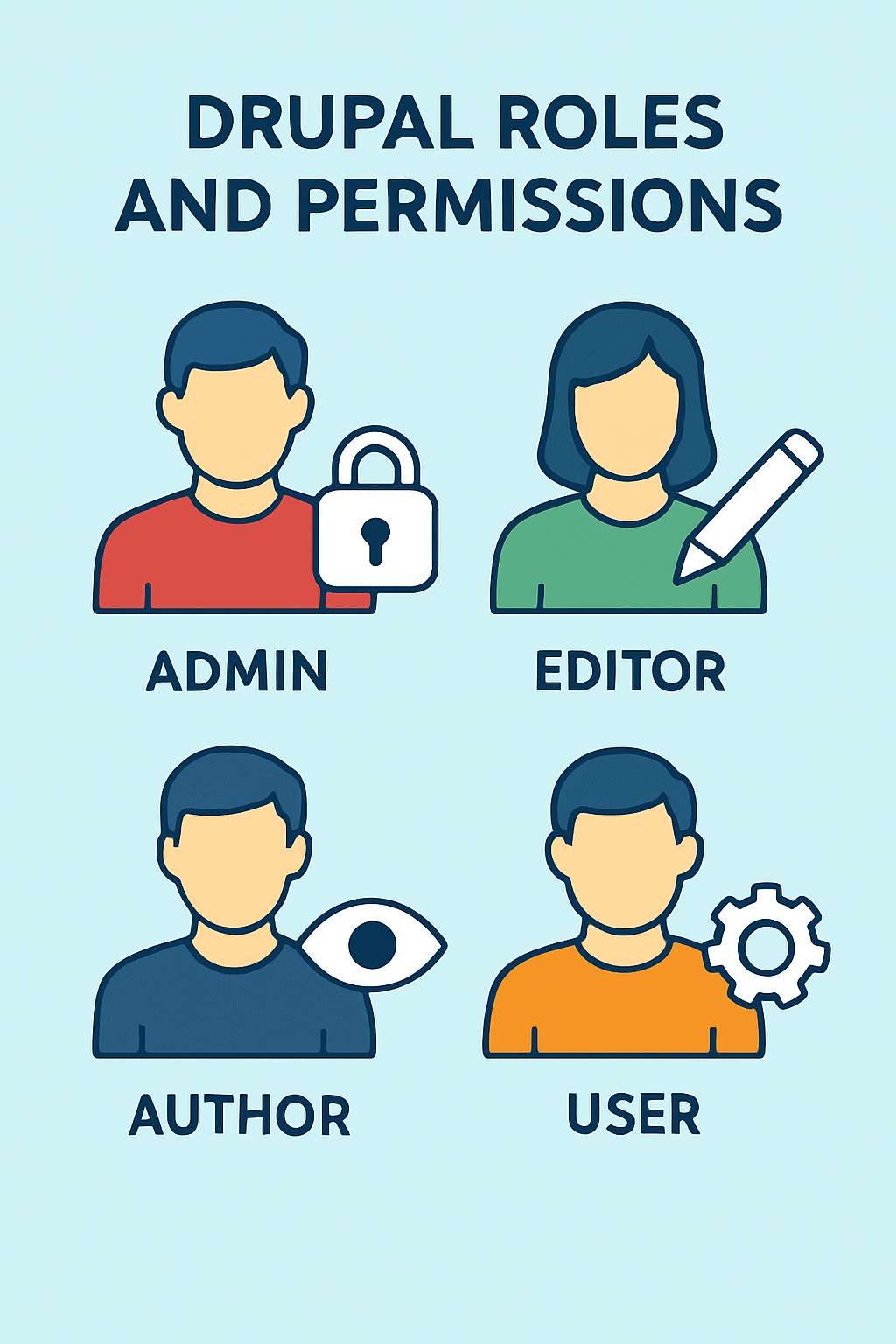
- Examples: A "Contact Form" structure, a specific "Image Style" (like "Thumbnail"), or a "User Role" (like "Editor").
Expanding the Filing Cabinet: How Entities Talk to Each Other
When we say Drupal is a "connected" system, we aren't just using a buzzword. Because everything is an entity, Drupal can create relationships. In technical terms, we call these "Entity Reference" fields, but you can think of them as smart shortcuts.
Let’s go back to our library example. If you have a Book entity and an Author entity, you don’t have to type the author’s biography every single time they release a new book. You simply "reference" the Author entity inside the Book entity. This is a game-changer because:
- Update Once, Fix Everywhere: If an author changes their pen name, you update it on their one "Author" profile, and every single book they’ve ever written on your site updates automatically.
- Automatic Discovery: Because Drupal knows these two things are connected, it can automatically create a list at the bottom of the Author’s page showing every Book entity that points to them. You didn't have to build that list manually; the Entity System did the math for you.
The Secret Life of "Display Modes"
Another reason the entity system is so powerful is that it separates what the data is from how it looks. This is handled through something called View Modes.
Imagine your "Staff Member" entity. You might want to show their information in three different ways:
- The Full Profile: A big page with their photo, bio, phone number, and social media links.
- The Directory Teaser: Just a small "card" with their name and photo.
- The Search Result: Just their name and a tiny snippet of text.
In a lesser system, you might have to write code to hide or show those fields. In Drupal’s entity system, you just tell the entity, "When you are in 'Teaser' mode, only show the photo." This flexibility allows you to reuse the same "thing" all over your site without ever duplicating your work.
Managing the "Invisible" Entities
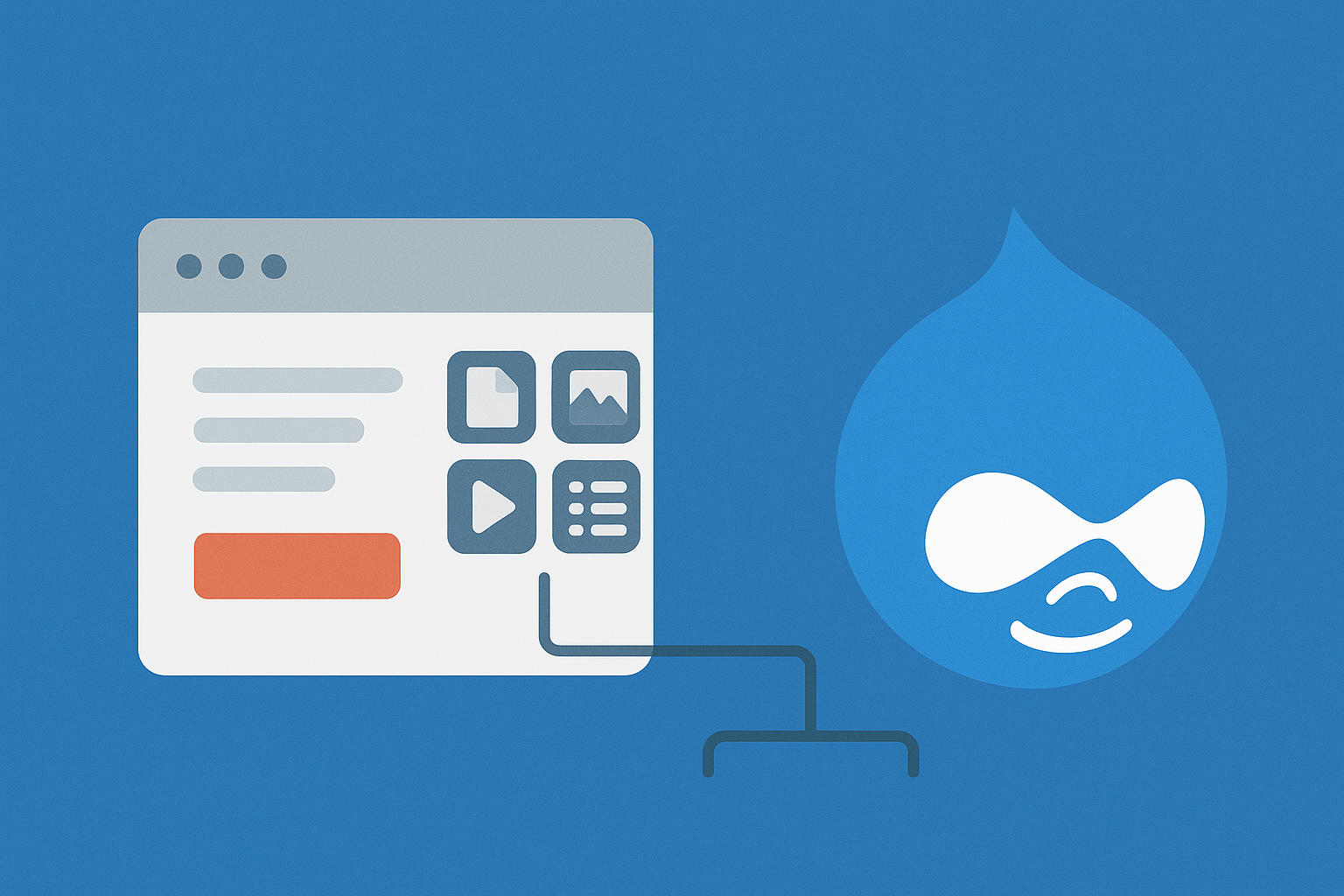
Finally, it’s worth noting that not every entity is a "page" with a URL. Some entities, like Media entities (images and videos) or Paragraphs (layout chunks), live inside other entities.
By treating an image as an entity rather than just a file, Drupal lets you add fields to it—like a "Photographer Credit" or "Copyright Date." This means your images are just as "smart" as your blog posts. They can be searched, categorized, and tracked across the entire site. It turns your website from a collection of static files into a living, breathing database of knowledge.
The Bottom Line
So, what’s the real takeaway here? Basically, Drupal’s entity system is the reason the platform is so much more than a basic blog builder. It doesn't force you to cram your ideas into a boring, pre-made box. Instead, it gives you a set of high-tech LEGOs so you can build exactly what you need.
Whether you’re running a small hobby site or a massive database for a university, just remember: everything is an "entity." Once you wrap your head around that, you’ll start to see how all those digital moving parts fit together. It’s all about making your data work for you, not the other way around!